
Guide
Live scoring step by step
Nine steps from download to the last point. Friends and family watch live, wherever they are.
Get ready
Do this before you play. Livescoring is free, friends as opponents included; sharing the live link comes with ClubCourts Plus, CHF 5 a month.
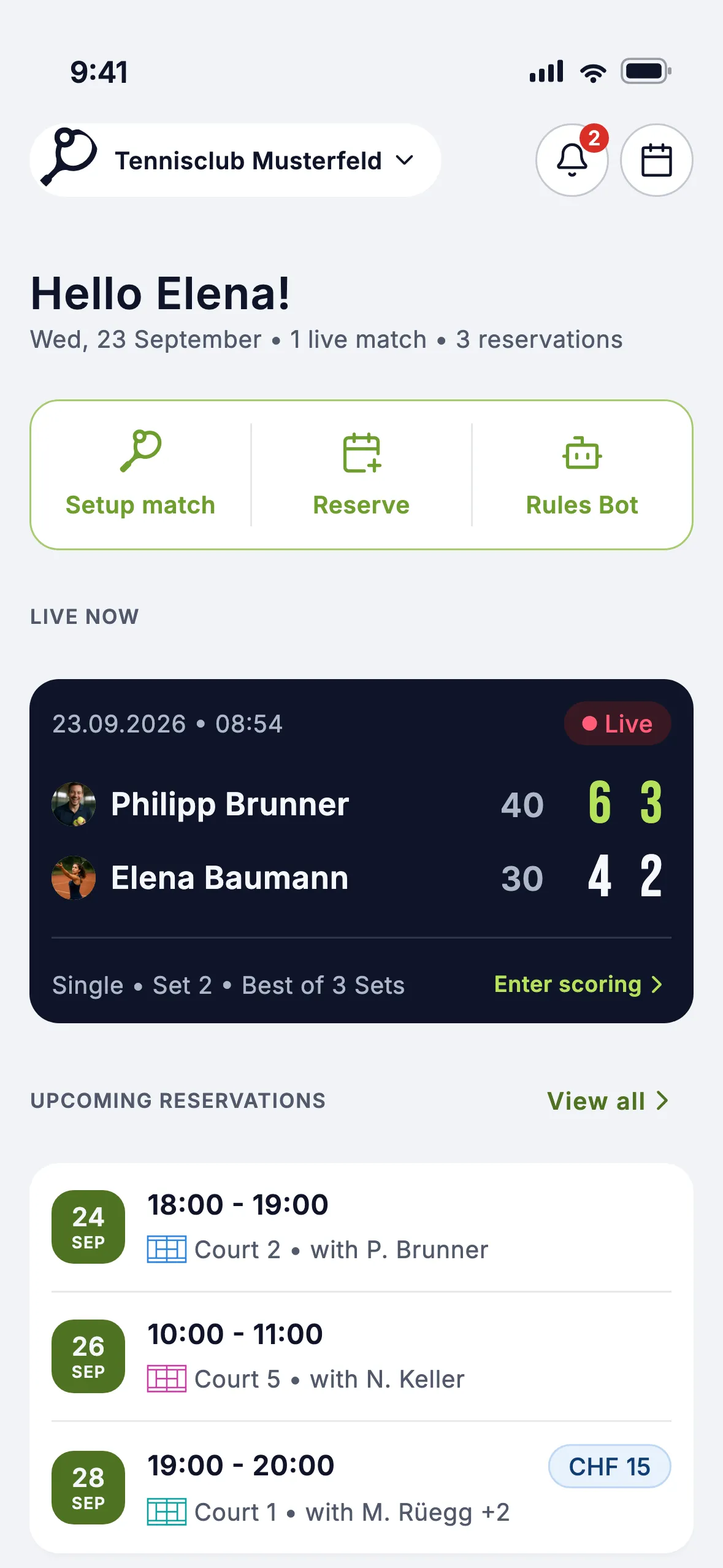
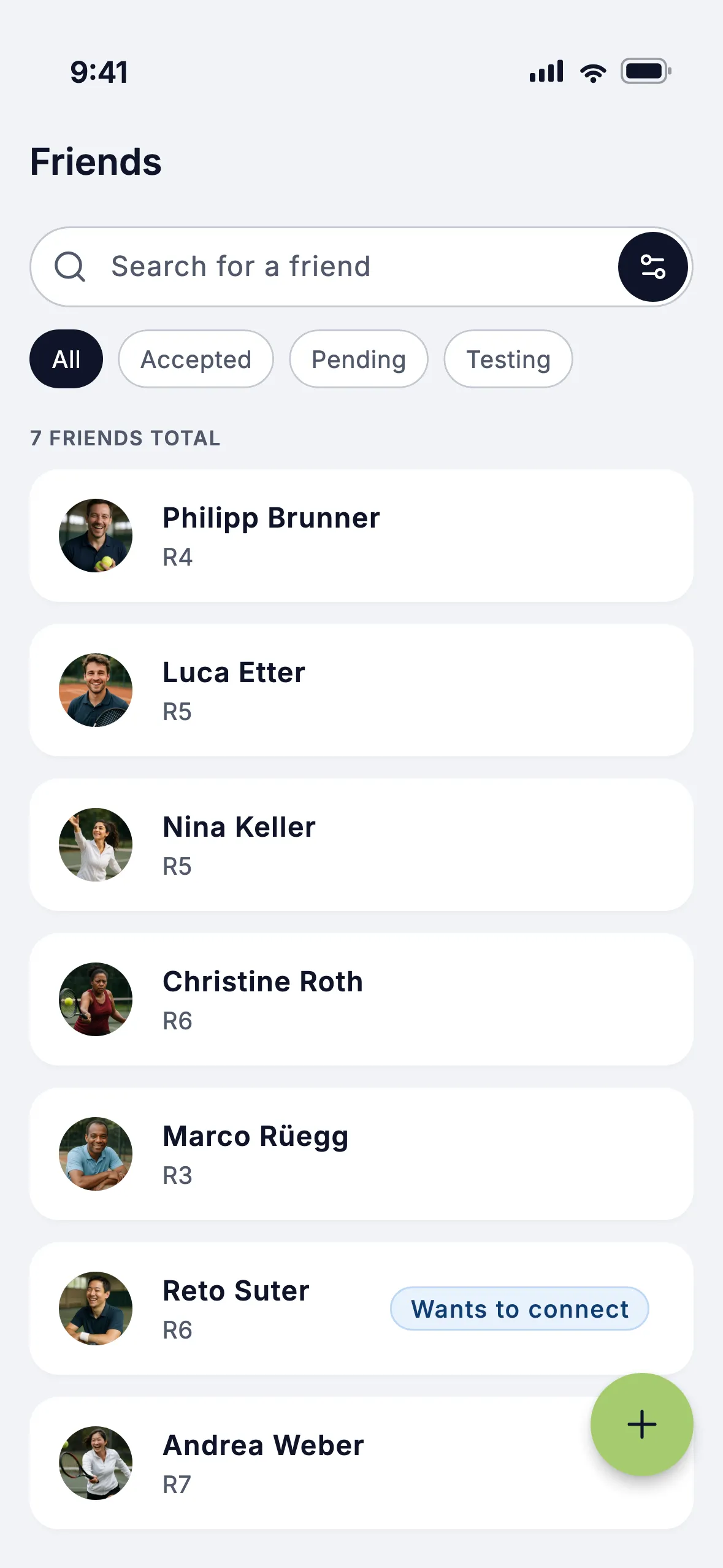
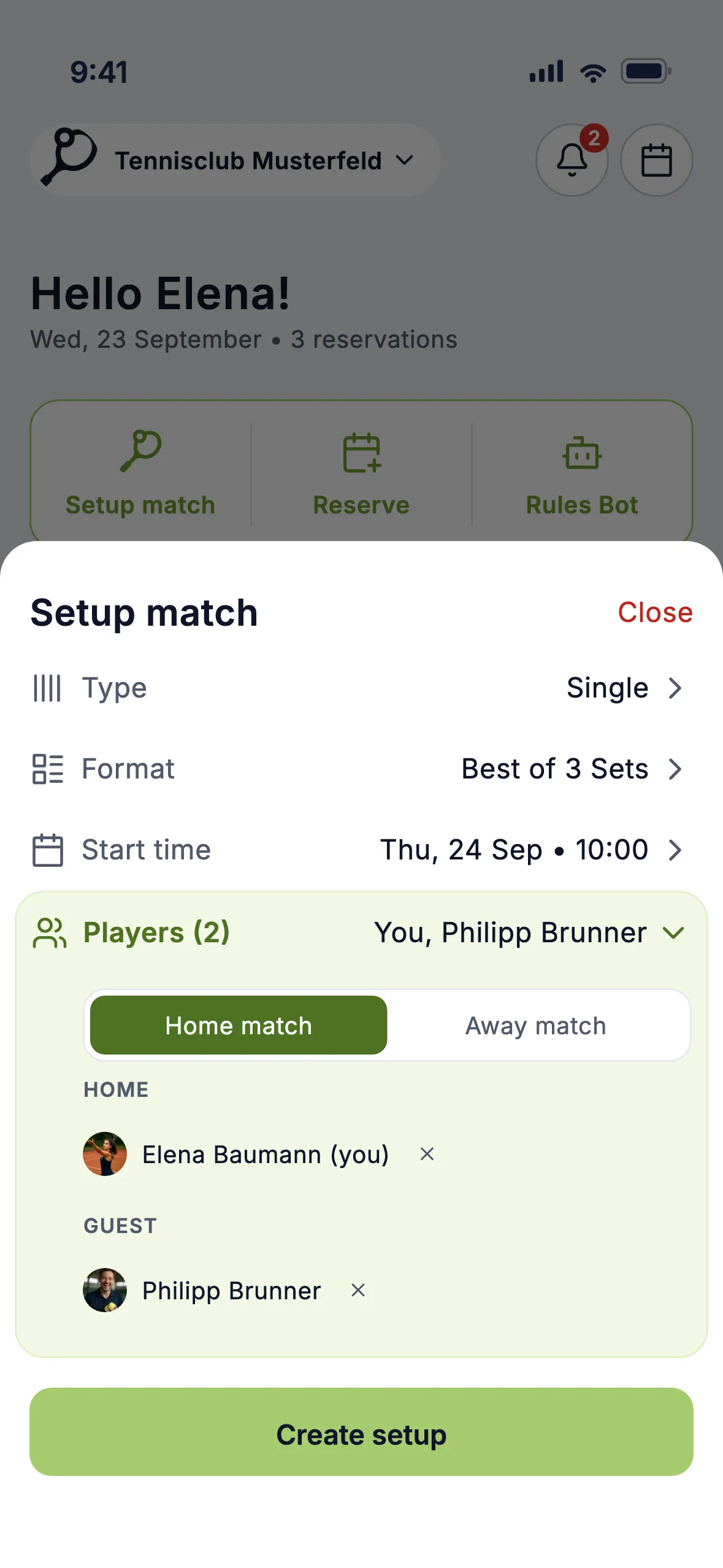
Before the match
Your live followers know before the first ball is hit. On court you check in and warm up.
Send the live link
With Plus, every planned match has a link. Share it via WhatsApp or email; followers need no app.
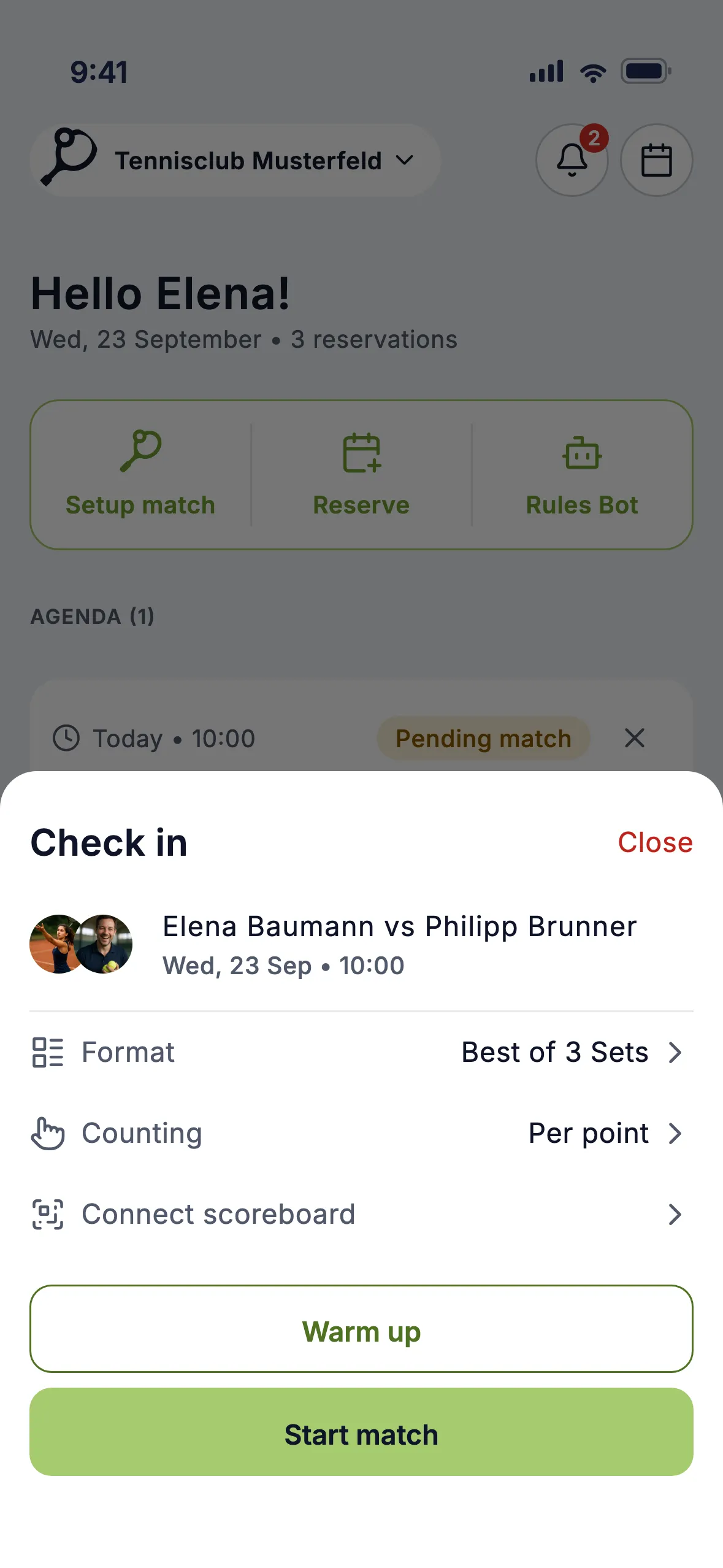
Check in
Check in, then pick: Per point shows every point, Per game only the games. Scoreboard? Scan its QR.
Warm up
Tap Warm up: your live followers see that you are on court and it starts soon.
Play
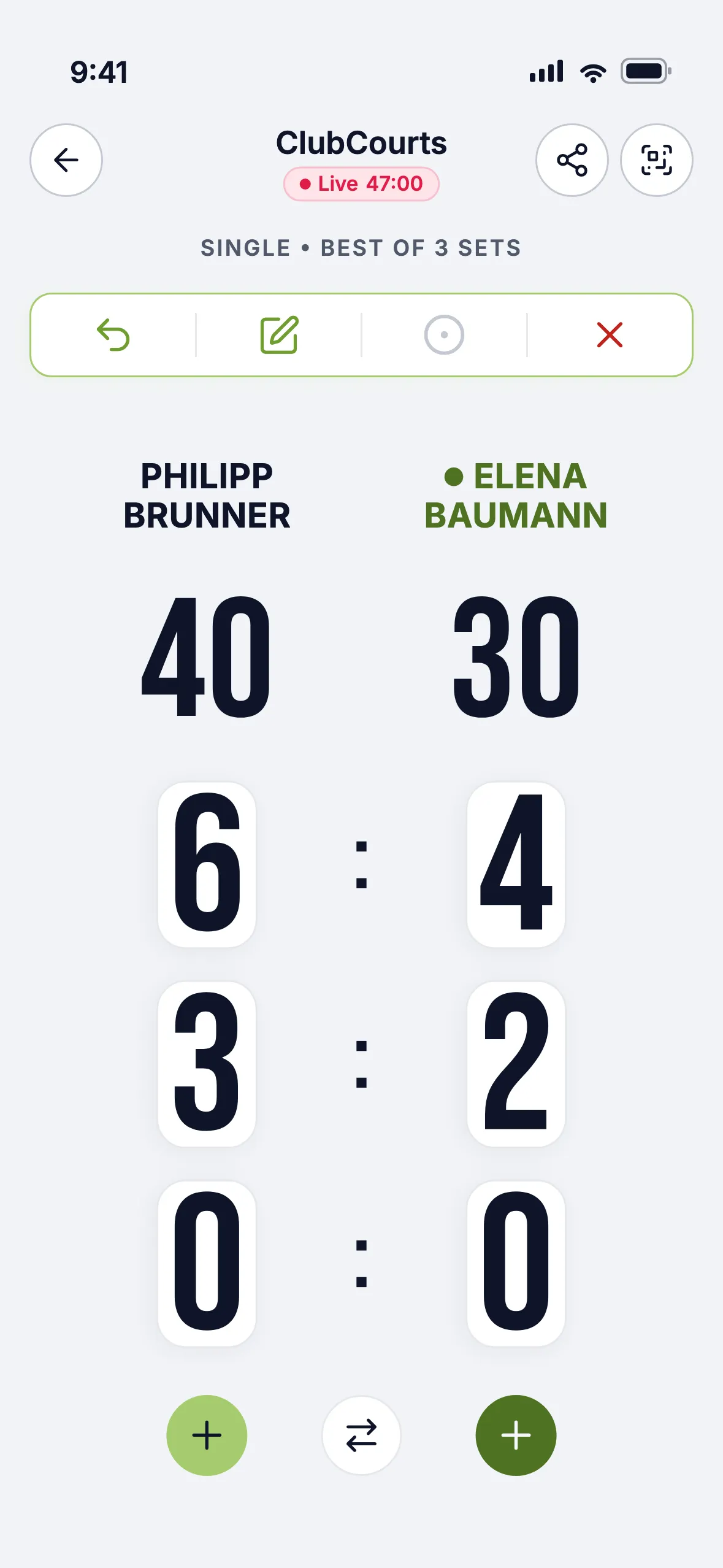
Pick the server and the live score is running. Count with your phone, watch or a Flic button.
If something comes up
The red X on the scoring screen offers three ways out.
Interrupt match
Rain or darkness: the match pauses and resumes from the current score within 30 days.
Cancel match
The match ends without a result, for example when you cannot finish it.
Retirement
The score stands and counts as a loss for the retiring side, for example 6:3 4:4 ret.
Ready for your
first live match?
Livescoring against real opponents and joining tournaments cost nothing. Open the app, create a match, play.
Start for freeAvailable for iOS, Android and web